 Newcaller
Caller ID on every call
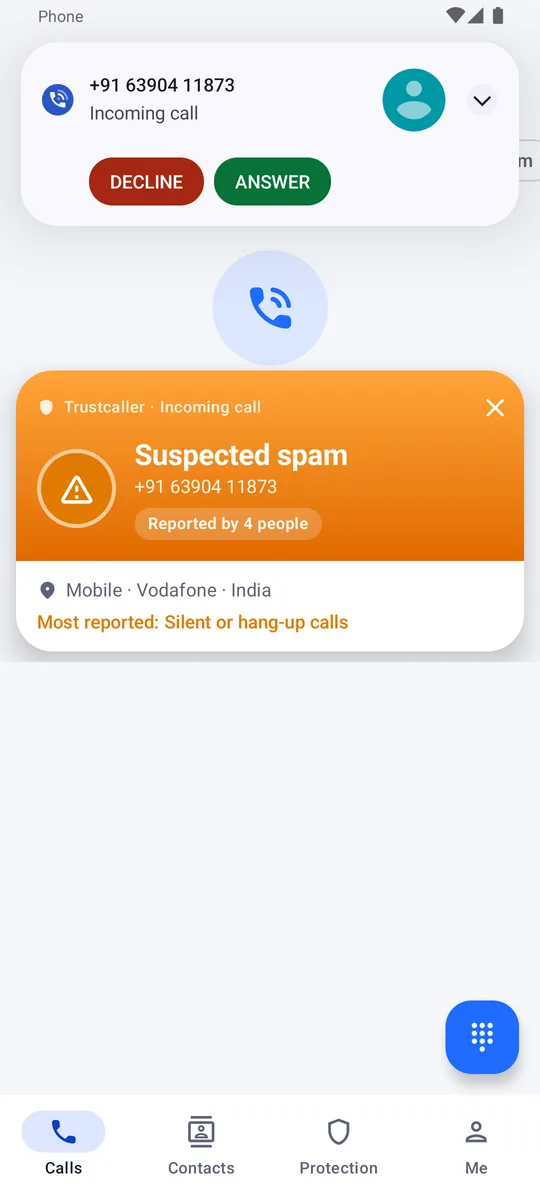
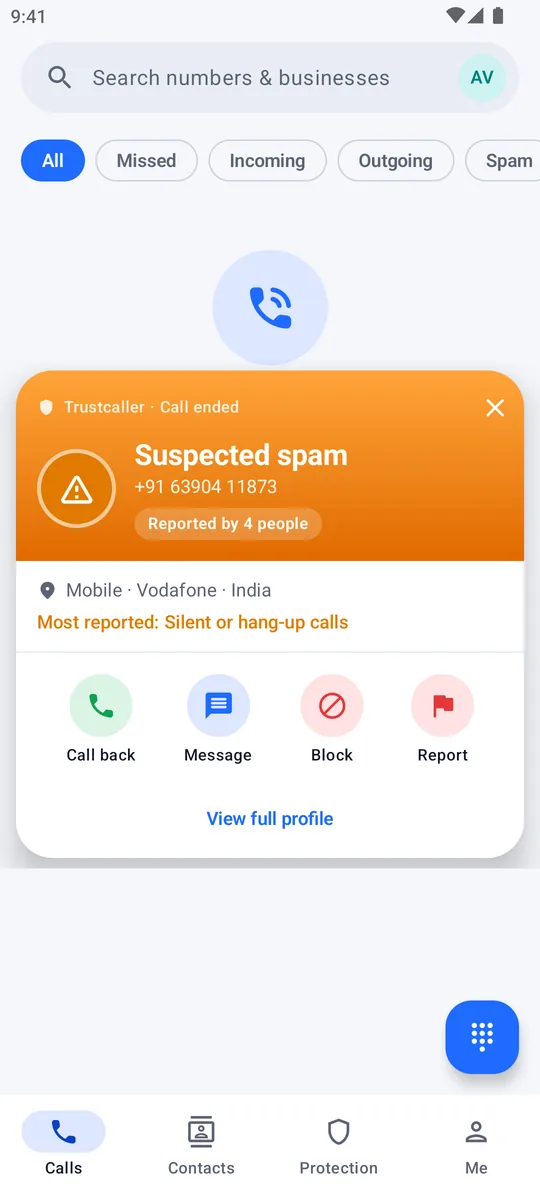
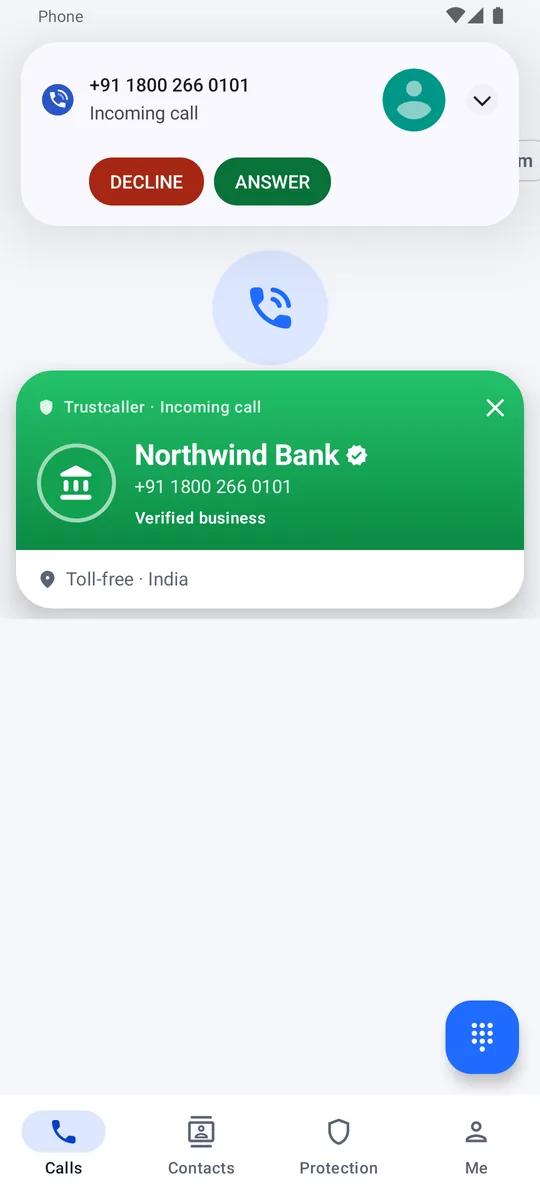
See a name, a verified badge or a spam warning on top of the incoming-call screen, then call back, block or report from the after-call card.
Newcaller names unknown callers, flags fraud and telemarketing using reports from people like you, and blocks the worst offenders automatically — without uploading your contacts.
Features
Caller ID, spam protection and a smarter call history — designed around trust, not guesswork.
See a name, a verified badge or a spam warning on top of the incoming-call screen, then call back, block or report from the after-call card.
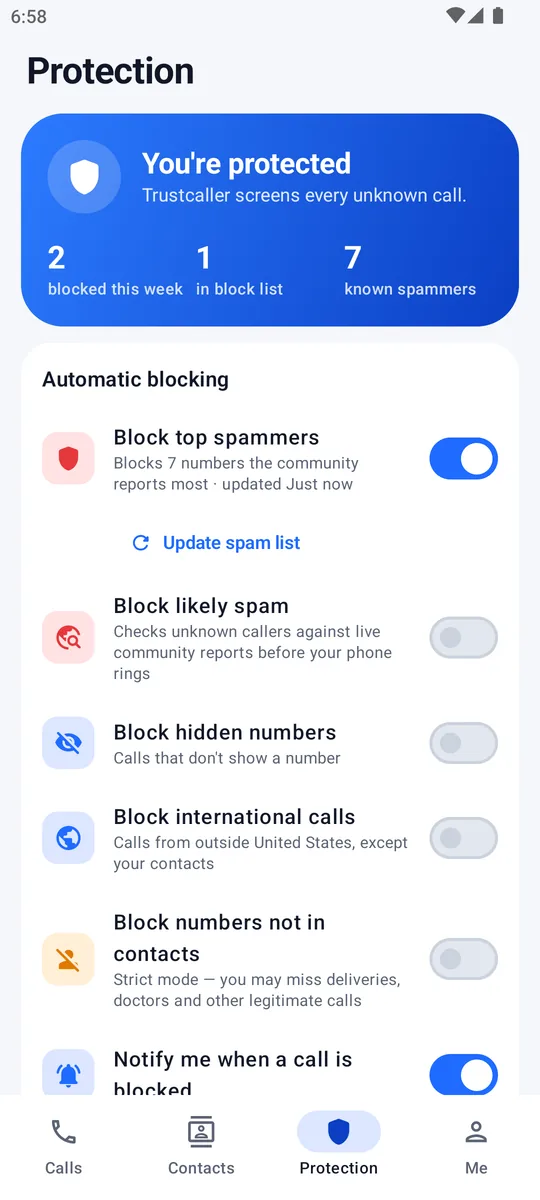
Block top spammers from a community list kept on your phone, plus likely spam, hidden and international numbers. Your contacts are never blocked automatically.
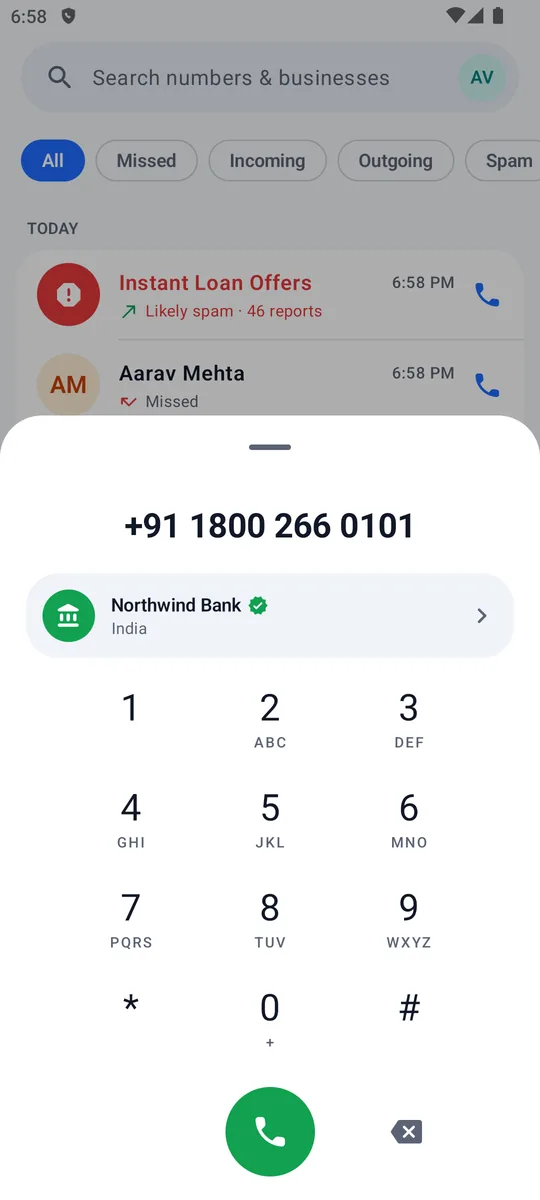
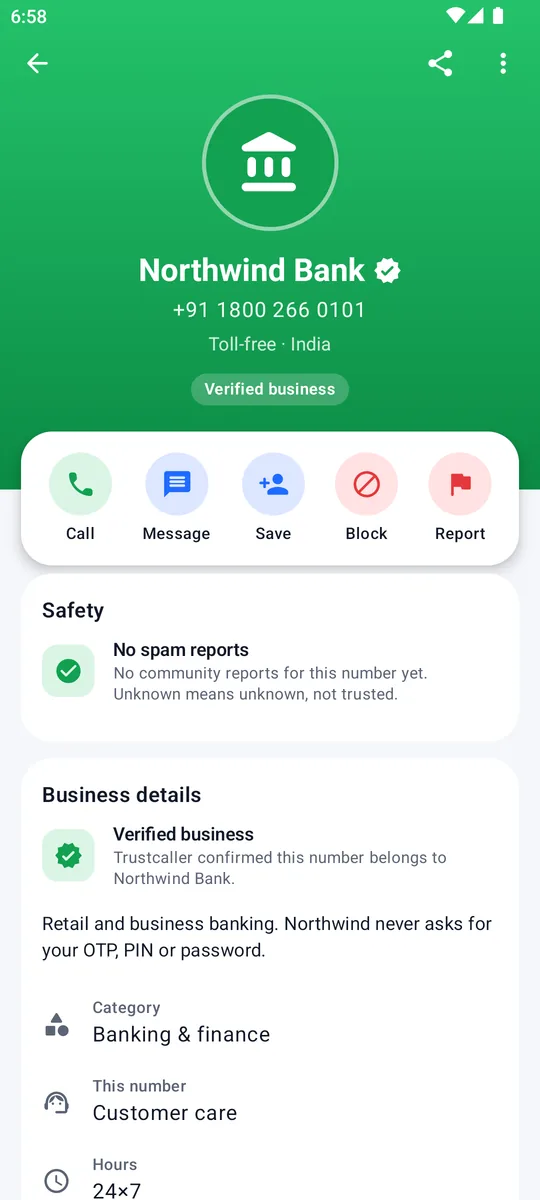
Banks, couriers and hospitals carry a green badge with their category, hours and website — so a real customer-care call stands out from an impersonator.
Each person counts once per number, older reports fade, and “not spam” feedback pulls a score down. One report never brands a number as spam.
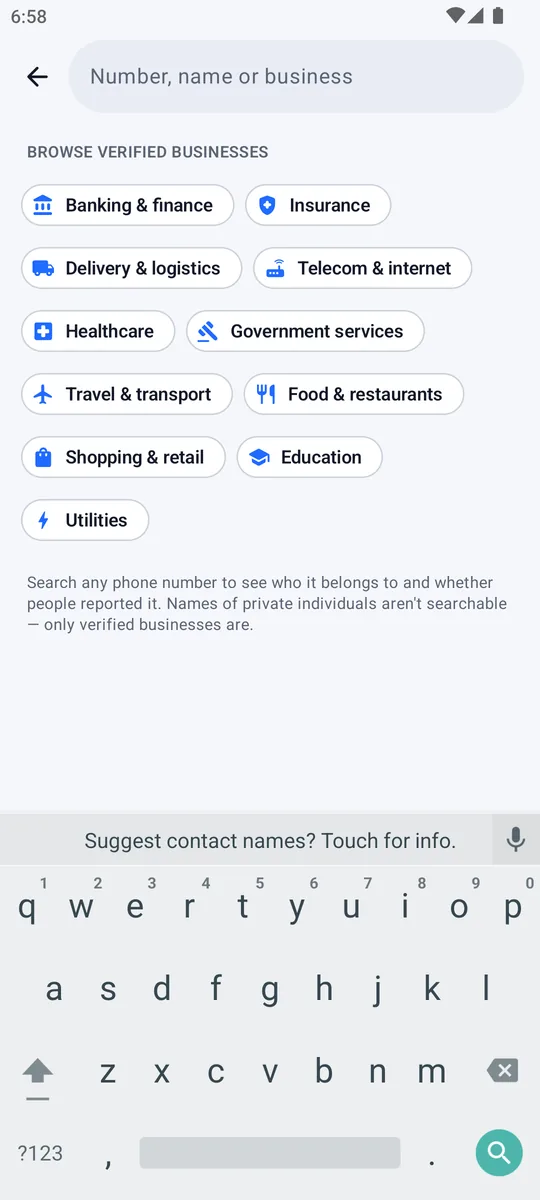
Look up any number, or browse verified businesses by category. Private individuals can't be found by searching their name.
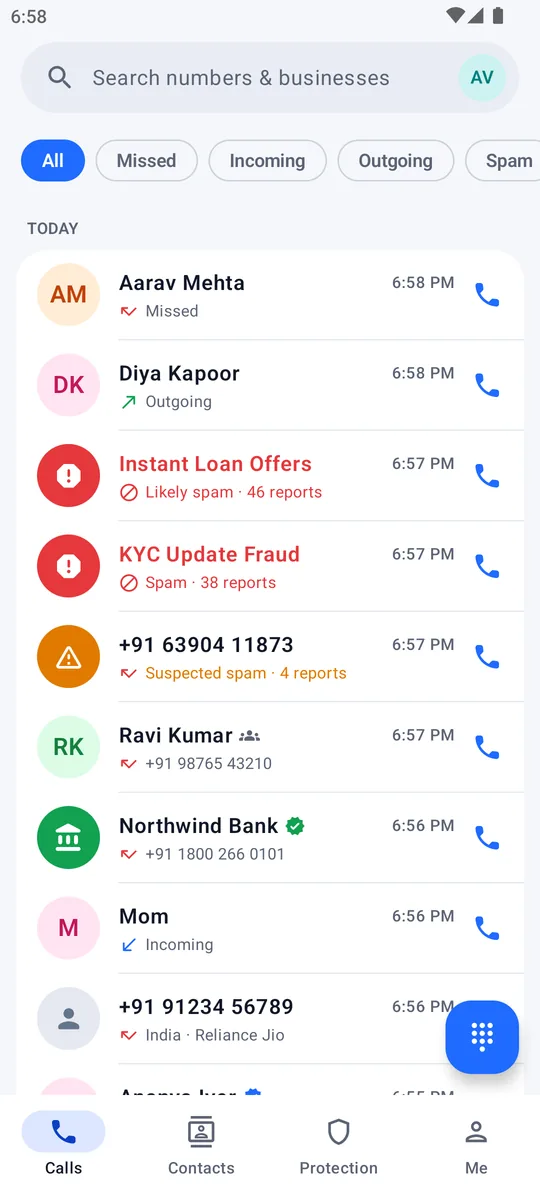
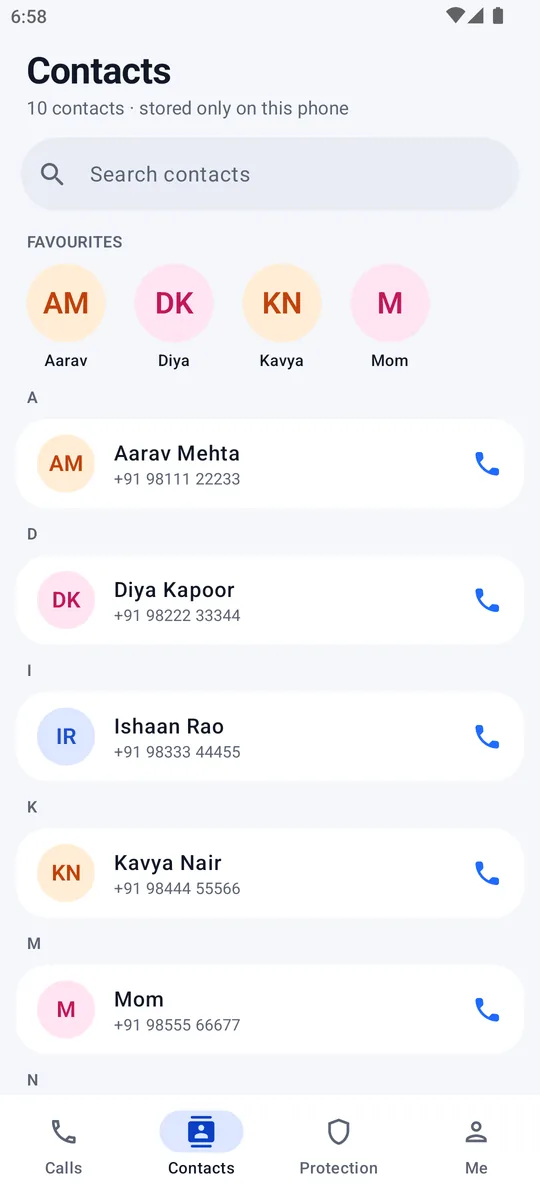
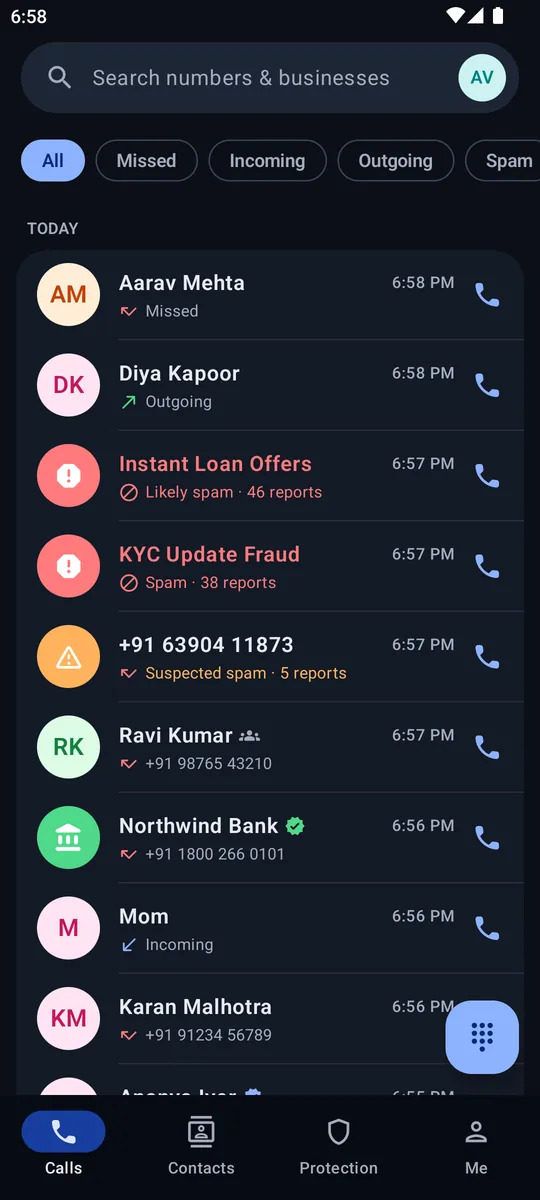
Call history with caller ID, contacts, a dialer that identifies numbers as you type, a protection hub, and light and dark themes.
At the moment it matters
Newcaller checks unknown callers against your block list and the community spam list instantly, so blocked calls never ring.
Every number tells its story
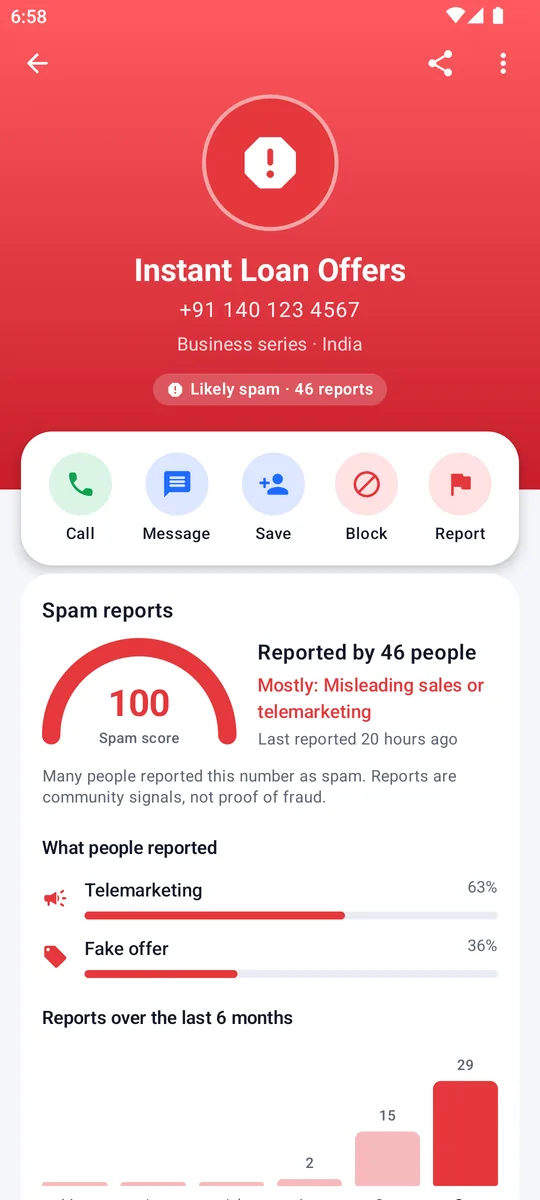
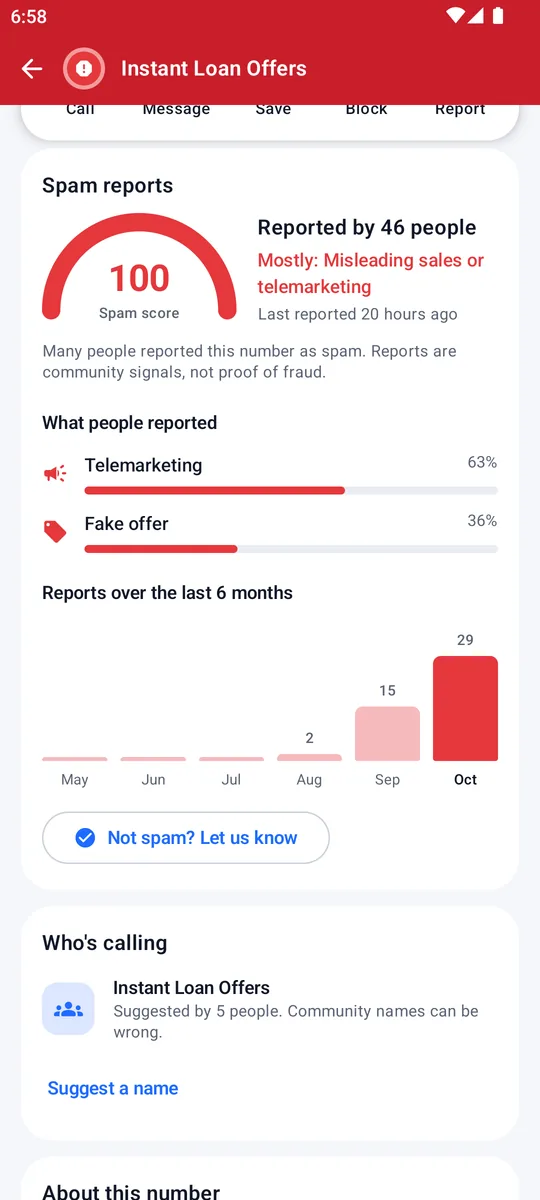
Open any number to see why it's flagged — or why it's trusted.
Protection hub
Turn on the protections you want and see what Newcaller has blocked for you.
How it works
Every permission is optional and explained, and you can change them anytime.
Sign in with a one-time code sent by SMS. Your name stays private unless you choose to share it.
Set Newcaller as your caller ID & spam app so it can screen calls before they ring (Android 10 and later).
Unknown callers show a name, a verified badge or a spam warning. Spam you've chosen to block never rings.
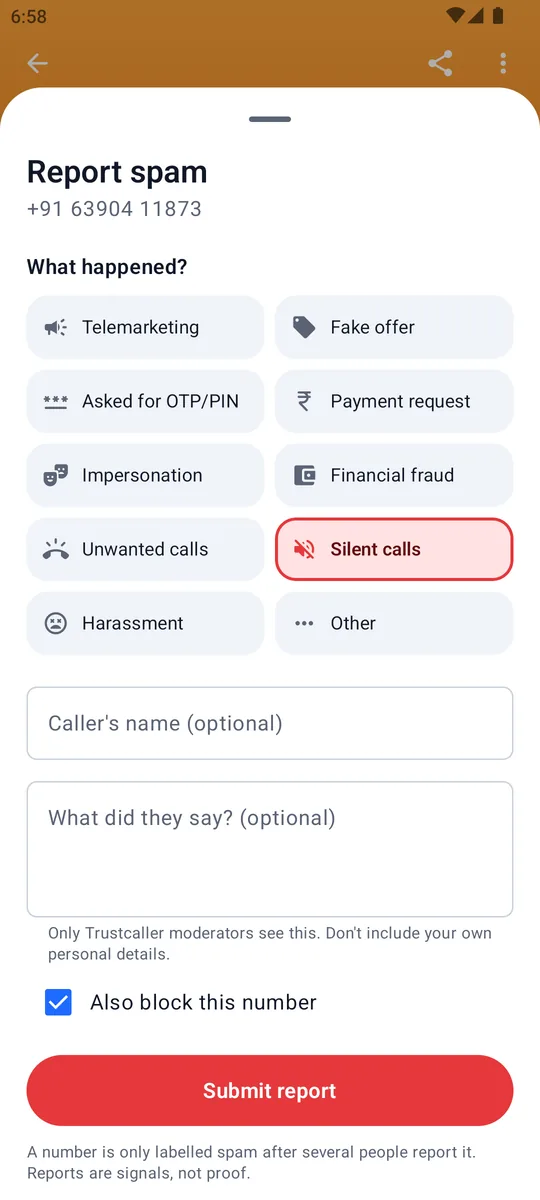
Report spam or suggest a caller's name. Signed-in reports keep the community list accurate for everyone.
Spam scores
Every number gets a 0–100 spam score from reports by signed-in people. Labels need agreement — not one angry report.
One person, one vote. Reporting the same number again updates your report instead of adding another.
Reports fade. Older reports gradually count less, so reassigned numbers can recover.
“Not spam” counts. Feedback that a number is legitimate pulls its score down.
Privacy by design
Caller ID shouldn't cost you your address book. Newcaller is built to need as little as possible.
They're used on-device to show names and to make sure your contacts are never blocked.
Only unknown numbers are looked up to identify them.
Looking up a number doesn't add it to Newcaller's database.
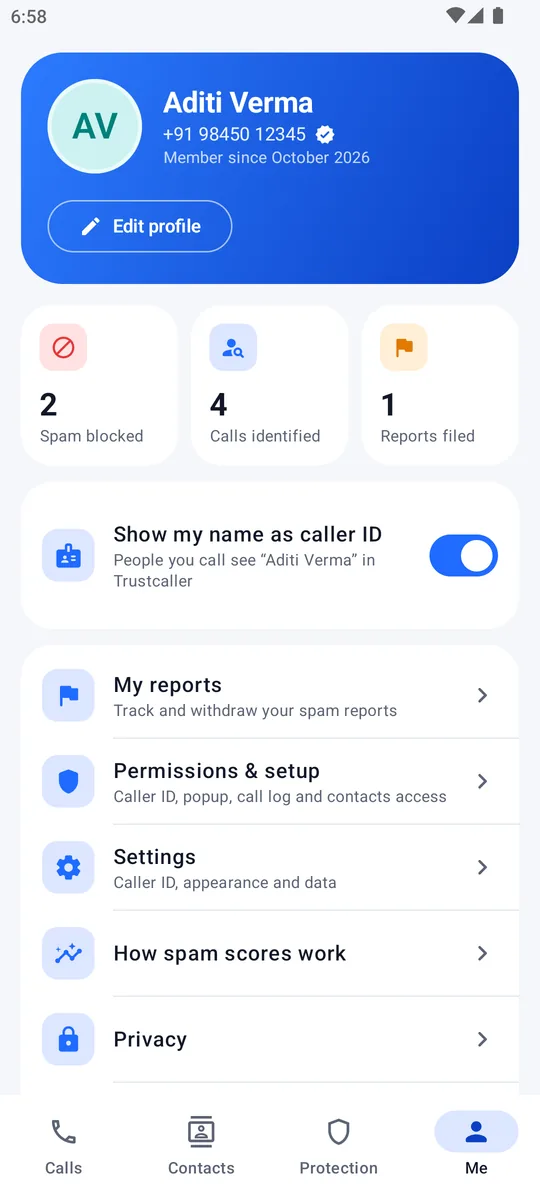
People see your name only if you switch on “Show my name as caller ID”.
Who reported a number, and what they wrote, is visible only to moderators.
Deleting your account erases your profile and caller ID name.
Newcaller's servers run in India (AWS Mumbai). Sign-in codes are sent and verified by Google Firebase.
Screens
A look around the app, shown with demo data.
For businesses
Verified businesses get a green badge on every call, plus their category, hours, address and website on their Newcaller profile — and only verified businesses can be found by name in search.
FAQ
No. Your contacts are read on your phone to show names and to make sure contacts are never blocked automatically. They're never uploaded.
From reports by signed-in people. One or two reports only mark a number as under review. It becomes suspected spam after three people report it, and likely spam after five or more with a high score. Older reports count less over time, and “not spam” feedback lowers the score.
Only if you turn on “Show my name as caller ID” in your profile. It's off until you choose to share it, and you can turn it off anytime.
The number is sent to Newcaller to fetch its caller information. The lookup doesn't add the number to Newcaller's database.
Reports fade over time, people can mark your number as not spam, and Newcaller moderators can dismiss reports. A single report is never enough to label a number as spam.
Android 8.0 or later. Screening and blocking calls before they ring needs Android 10 or later.
Yes, from Settings in the app. Your profile and caller ID name are erased; spam reports you made remain only as anonymous signals.
We're preparing the Google Play release. Caller ID, spam protection and verified businesses — free from contact uploads.
Coming soon onGoogle Play